
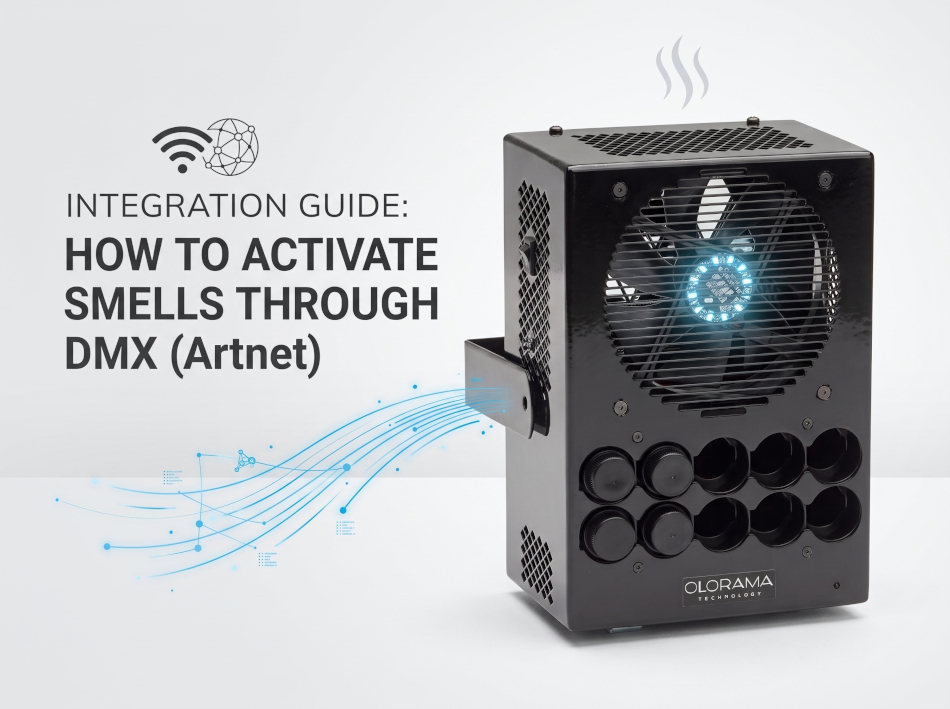
Activating smells through DMX is the professional standard for synchronizing olfactory effects with lighting, audio, and video systems in real-time. The Olorama ecosystem achieves this integration using the Olorama DMX Converter, a software designed to receive Art-Net signals from any lighting console or software and automatically translate them into UDP messages that the scent generators process natively.
Below is the detailed topology, installation, and configuration process to ensure seamless, low-latency communication.
To establish communication between the DMX controller and the scent generators, the following infrastructure is required:
olorama.com/downloads/Setup DMX Converter.zip.ipconfig command, and note your local IP address (e.g., 192.168.1.37).C:\OloramaDMXConverter\ and open the text file named fse_settings.listening_dmx_by_this_interface and modify it by entering the first three octets of your local IP address (e.g., 192.168.1.).The converter interface requires pairing the Art-Net input with the network output directed to the generators.
Input (Art-Net)
Output (UDP to Generators)
192.168.1.255).5010 by default.Controlling Olorama scent machines occupies a block of four consecutive DMX channels, which define the physical behavior of the scent release:
| DMX Channel | Range | Function | Description |
|---|---|---|---|
| 256 | 0-9 | Fan activation | Defines the duration in seconds of the fan run time. |
| 257 | 1-5 | Intensity | Adjusts the strength of the scent release (1 = minimum intensity, 5 = maximum intensity). |
| 258 | 1-10 | Scent cartridge | Selects the cartridge number to activate. Check the generator's internal numbers before assigning this value. |
| 259 | - | Reserved | Reserved for internal system use. |
Once the software maps the channels, it sends a UDP text string to the generators with the following structure:
OUT,03,0200,1,04000,100003 (Values from 1 to 10)0200 (Range from 100 to 500)1 (1 = ON, 0 = OFF)04000 (Recommended between 4000 and 7000 ms)1000 (System constant)To successfully activate smells through DMX from professional lighting software like MagicQ:
For advanced assistance during channel patching or opening network ports in complex installations, direct technical support is available at [email protected].
Describe your project here and we will respond your questions within 24 hours.
(don’t worry, we won’t send you spam …)
Añada su kit al carrito e introduzca este código: